AI ajanın zaten bildiği altyapı
CLI-first. SSH tabanlı. Varsayılan olarak JSON. Her rdc komutu otonom ajanlar için tasarlandı — GUI yok, tarayıcı otomasyonu yok, entegrasyon gerekmiyor.
Yapay zeka ajanları güçlü, ama altyapı onlara karşı duruyor
Kodlama asistanınız kodu yazabilir, test edebilir, hata ayıklayabilir. Ama dağıtım, durum kontrolü, altyapı yönetimi gerektiğinde duvarla karşılaşır: GUI-only paneller, OAuth tarayıcı akışları, tutarsız API'ler, bağlamı tıkayan cevaplar.
Zaman Çizelgesini Görün
Ajan tarafından yönetilen altyapıya üç adım
Yapılandır
Proje köküne AGENTS.md şablonunu koyun. AI asistanı başlangıçta bunu okuyor ve her rdc komutunu biliyor.
Keşfet
Asistanı rdc mcp serve'e bağlayın; her işlem için tip tanımlı araçlar hazır hale gelir. Tam referans için rdc --help-all komutunu çalıştırın.
İşlet
Dağıtın, izleyin, geri alın, hepsi JSON çıktılı CLI komutlarıyla. GUI yok, tarayıcı yok, özel entegrasyon yok.
rdc neden yapay zeka ajanları için tasarlandı
Rediacc'taki her tasarım kararı makine-uyumlu arayüzleri ön planda tutar. TTY olmayan ortamlarda otomatik olarak JSON'a geçilir. Tutarlı yanıt formatı ajanların her yanıtı aynı şekilde ayrıştırmasını sağlar. SSH tabanlı kimlik doğrulaması OAuth akışlarına veya token yönetimine gerek bırakmaz.
rdc neden yapay zeka ajanları için tasarlandı
| Geleneksel platformlar | Rediacc (rdc CLI) |
|---|---|
| GUI gösterge panelleri: tarayıcı otomasyonu veya ekran görüntüleri gerektirir | CLI öncelikli: her işlem bir kabuk komutudur |
| OAuth/tarayıcı girişi: ajanlar kimlik doğrulaması yapamaz | SSH anahtarları: ajanlar herhangi bir CLI aracı gibi kimlik doğrulaması yapar |
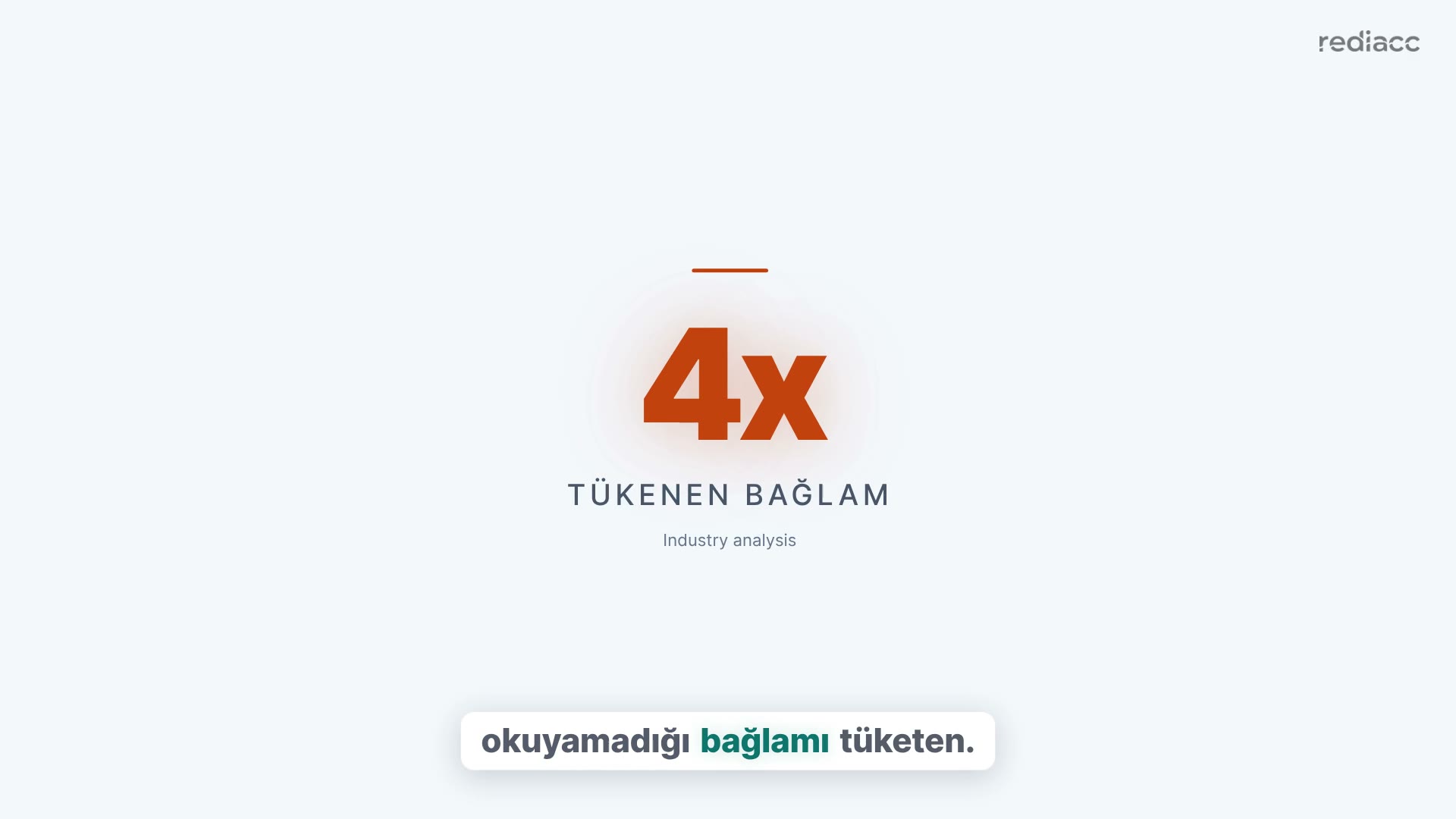
| HTML/yapılandırılmamış çıktı: 4 kat token kullanımı, kırılgan ayrıştırma | JSON zarfı: tutarlı şema, yanıt başına ~200 token |
| Keşif yok: ajanların belgelere veya sabit kodlanmış API çağrılarına ihtiyacı var | MCP sunucusu: çalışma zamanında keşfedilen tip tanımlı araçlar |
| Cluster değişiklikleri: web konsolları, sihirbazlar, çok adımlı runbook'lar | rdc cluster fork: one command, one JSON reply, whole cluster |
Otonom altyapı yönetimi için tasarlandı
Sıfır entegrasyon çabası
AGENTS.md'yi projeye ekleyin. AI asistanı tüm komutları, bayrakları ve iş akışlarını anında biliyor.
Bağlam penceresi dostu
JSON yanıtları ortalama ~200 token. --fields bayrağı ajanların sadece ihtiyaç duydukları veriyi talep etmesini sağlar. Hiç bağlam israfı yok.
Varsayılan olarak güvenli
--dry-run yıkıcı işlemleri önizler. --yes otomasyonu etkinleştirir. Ajanlar yerleşik koruma mekanizmalarıyla güvenle dağıtım yapabilir. Bir cluster'ın tamamını fork'lamak bile aynı kurallara tabidir.
İlgili Çözümler
AI ajan altyapıyı yönetsin
CLI'yi yükle. AGENTS.md şablonunu ekle. Gerisi AI asistanı hallediyor.
Ücretsiz Başlayın