
生产模式
到目前为止,你一直在仓库内部用 renet dev up 运行应用。这对开发来说很好。在生产环境中,你用 rdc 从笔记本管理一切。关上笔记本,应用依然持续运行。
开发模式 vs 生产模式
区别很简单:
renet dev up在仓库内部运行,需要保持连接。rdc repo up从笔记本运行,之后不需要保持连接。
三个操作将你从开发带到生产:
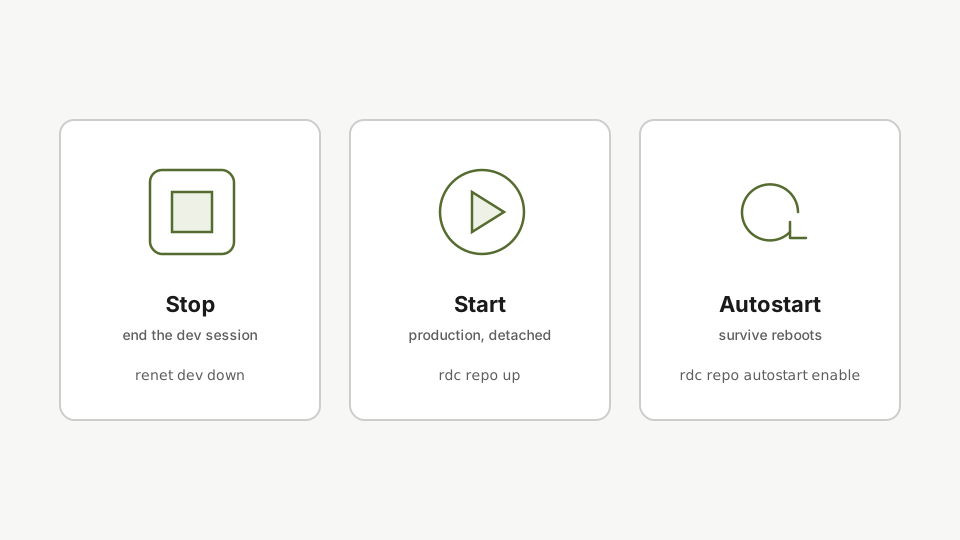
如果仓库内还有正在运行的 renet dev up 会话,先用 rdc vscode connect my-app 连接进去,再执行 renet dev down 将其关闭。之后,所有操作完全由笔记本驱动。
第一步:以生产模式启动
rdc repo up my-app从笔记本电脑以生产模式启动应用。部署命令调用与开发时相同的 up 函数,但以分离模式运行,因此笔记本断开连接后应用仍可继续运行。
rdc repo up 调用的是与 renet dev up 相同的 up 函数。相同的 Rediaccfile,不同的调用方式,区别在于断开连接后应用会持续运行。
第二步:启用自动启动
rdc repo admin autostart enable my-app启用自动启动,确保 repo 在服务器重启后能够存活。启用后,每次服务器重启时 repo 都会自动恢复运行。
如果服务器重启,该仓库会自动恢复运行。
第三步:列出已启用自动启动的仓库
rdc repo admin autostart list -m <machine-name>列出已启用自动启动的 repository,确认应用已在启动列表中。
快速确认你的应用是否在启动列表中。
第四步:从笔记本停止应用
rdc repo down my-app在笔记本电脑上用一条命令停止应用。一条命令启动,一条命令关闭,全部通过 terminal 操作。
一条命令启动,一条命令停止。全从笔记本操作。
下一篇:监控。