Infrastructure an AI agent already knows how to use.
CLI-first. SSH-based. JSON by default. Every rdc command is built for autonomous agents: no GUI, no browser automation, no custom integrations.
AI agents are powerful, but most infrastructure fights them
An AI coding assistant can write, test, and debug code autonomously. But when it needs to deploy, check status, or manage infrastructure, it hits a wall: GUI-only dashboards, OAuth browser flows, unstable APIs, and responses that blow the context window.
See the timeline
Three steps to agent-managed infrastructure
Configure
Drop an AGENTS.md template into the project root. The AI assistant reads it on startup and knows every rdc command.
Discover
Connect the assistant to rdc mcp serve and it gets typed tools for every operation. Or run rdc --help-all for the full command reference.
Operate
Deploy, monitor, rollback. All through CLI commands with JSON output. No GUI, no browser, no custom integration.
Why rdc is built for AI agents
Every design decision in Rediacc prioritizes machine-readable interfaces. Non-TTY detection auto-switches to JSON. The consistent envelope format means agents parse every response the same way. SSH-based auth means no OAuth flows or token management.
Why rdc is built for AI agents
| Traditional platforms | Rediacc (rdc CLI) |
|---|---|
| GUI dashboards: requires browser automation or screenshots | CLI-first: every operation is a shell command |
| OAuth/browser login: agents can't authenticate | SSH keys: agents authenticate like any CLI tool |
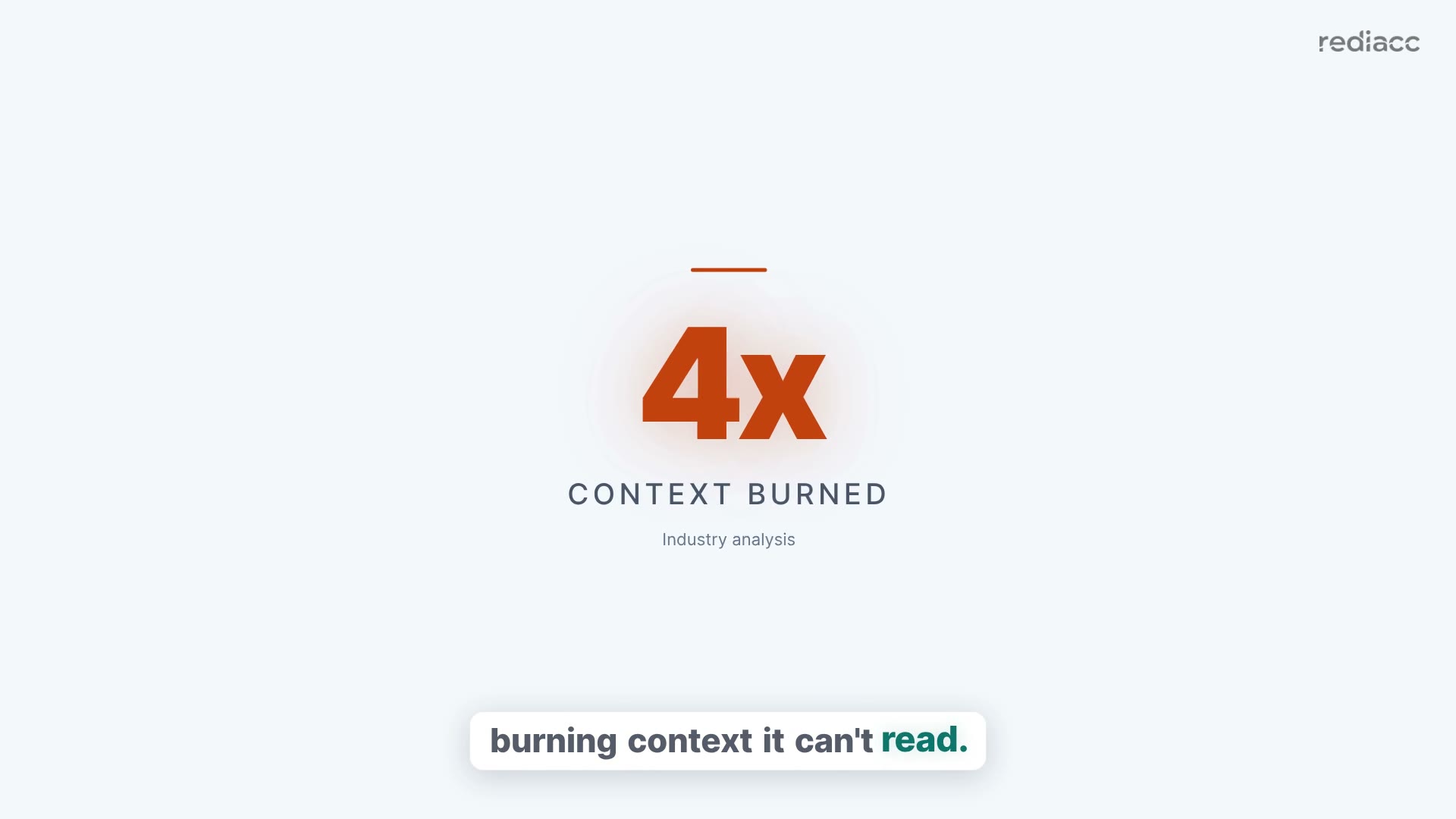
| HTML/unstructured output: 4x token usage, fragile parsing | JSON envelope: consistent schema, ~200 tokens per response |
| No discovery: agents need docs or hardcoded API calls | MCP server: typed tools discovered at runtime |
| Cluster changes: web consoles, wizards, multi-step runbooks | rdc cluster fork: one command, one JSON reply, whole cluster |
Built for autonomous infrastructure management
Zero integration effort
Drop AGENTS.md in the project. The AI assistant immediately knows every available command, flag, and workflow.
Context-window friendly
JSON responses average ~200 tokens. The --fields flag lets agents request only the data they need. No wasted context.
Safe by default
--dry-run previews destructive operations. --yes enables automation. Agents can deploy confidently with built-in guardrails. Even a whole-cluster fork follows the same rules.
See related solutions
Let the AI agent manage the infrastructure
Install the CLI. Add the AGENTS.md template. The AI assistant handles the rest.
Start free trial