
Deploying Your First App
You have an empty repository. rdc ships built-in templates so you can spin up real apps without writing a docker-compose from scratch. Pick a template, apply it, run it.
Pick, apply, run
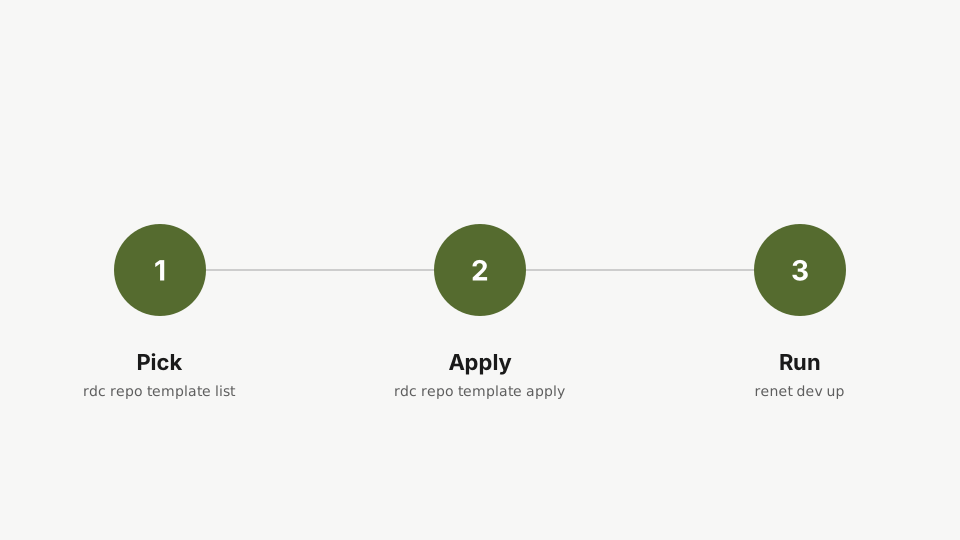
Step 1: Pick
rdc repo admin template listStep one: list the available templates. Rediacc ships prebuilt templates for common apps, so you do not have to author a docker-compose from scratch.
You’ll find ready-made setups for common apps: Postgres, Redis, web servers, and more.
Step 2: Apply
rdc repo admin template apply my-app --template app-postgresStep two: apply the app-postgres template to the repo. This copies a tested set of files into the repo.
Done. This copies the template’s files into the repo.
Step 3: See what landed
rdc term connect my-app@<machine-name> --command 'ls -la'Connect into the repo and list the files the template added: a Rediaccfile with the lifecycle hooks and a docker-compose.yml describing the containers.
Two files: docker-compose.yml describing the containers, and Rediaccfile defining what happens when the app starts and stops (its up and down lifecycle hooks). The 2>/dev/null hides the connection logs so only the file listing shows.
Step 4: Run
rdc repo up my-appBring the repo up. The CLI starts the containers, mounts the encrypted volume, and wires up the isolated Docker daemon.
The CLI starts the containers, mounts the encrypted volume, and wires up an isolated Docker daemon for this repo. (Already inside the repo sandbox via VS Code? renet dev up is an equivalent in-sandbox alternative.)
Step 5: Verify
rdc term connect my-app@<machine-name> --command 'docker ps'Verify what is running. docker ps lists only this repo's containers; other repos on the same server have their own Docker daemons and are invisible from this view.
docker ps here lists only this repo’s containers. Other repos on the same server run separate Docker daemons: their containers are completely invisible from this one. That isolation is the point: test freely without touching adjacent services.
Next: Working with Your Repo.