
Forking a Repository
Fork an entire production environment (the app, the database, the config files) in seconds. Any size. Zero extra disk. Fork as many times as you want.
The tagline: clone production, break nothing.
Set up something to lose
First, give the running app a file so you can prove the fork’s isolation. Open the repo in VS Code, then inside the repo create a marker file:
rdc vscode connect my-appecho "Hello from production" > index.htmlNow fork it.
Fork
rdc repo fork my-app --tag experiment --upA single command clones the entire repo: app, database, and config files. Fork time is constant regardless of repo size, whether one gigabyte, one hundred gigabytes, or one terabyte.
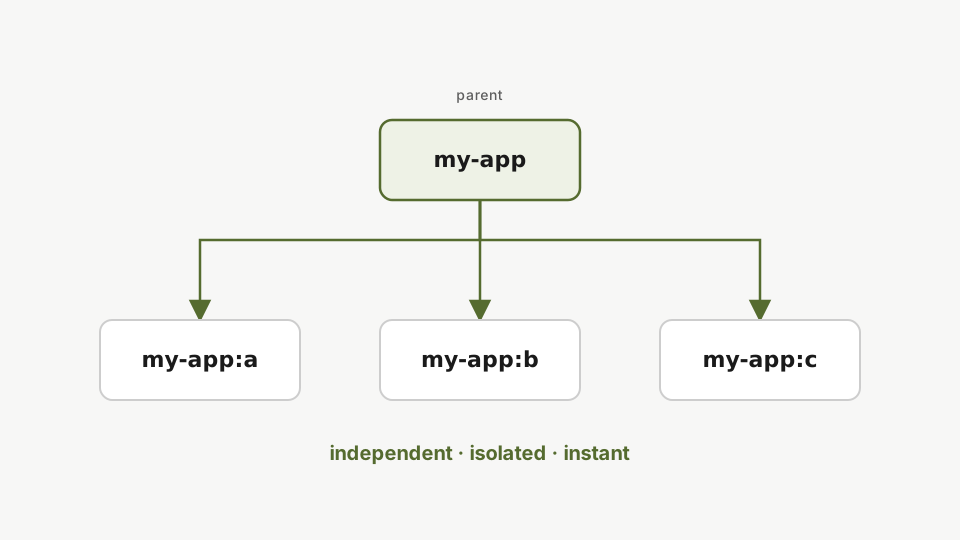
One command. It cloned everything (the app, the database, the config files) and it happened in seconds. Run it again and you get another independent clone.
Why is it so fast?
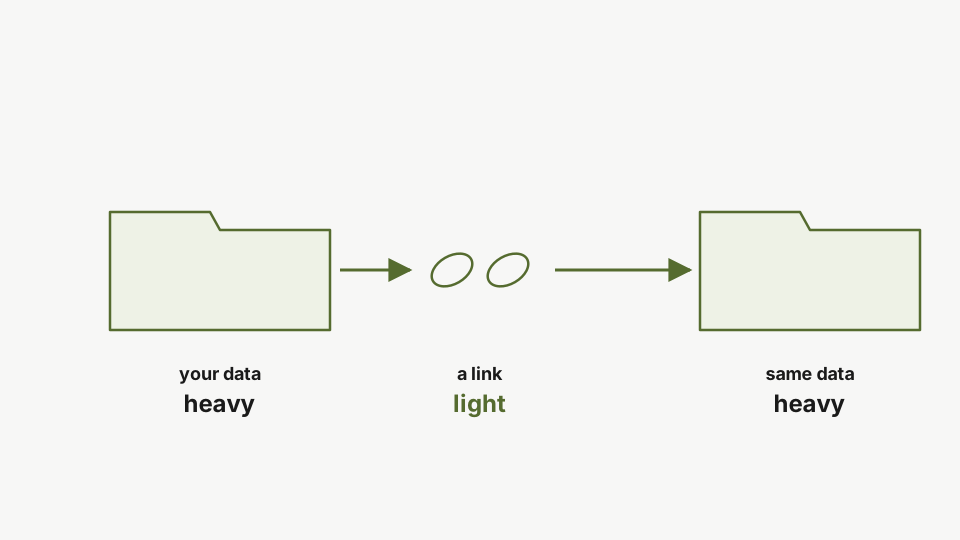
The reason is btrfs reflinks. A fork creates a new filesystem tree pointing at the same data blocks as the parent. No data is copied at fork time. It’s all metadata, so the parent’s size never factors into how long the fork takes.
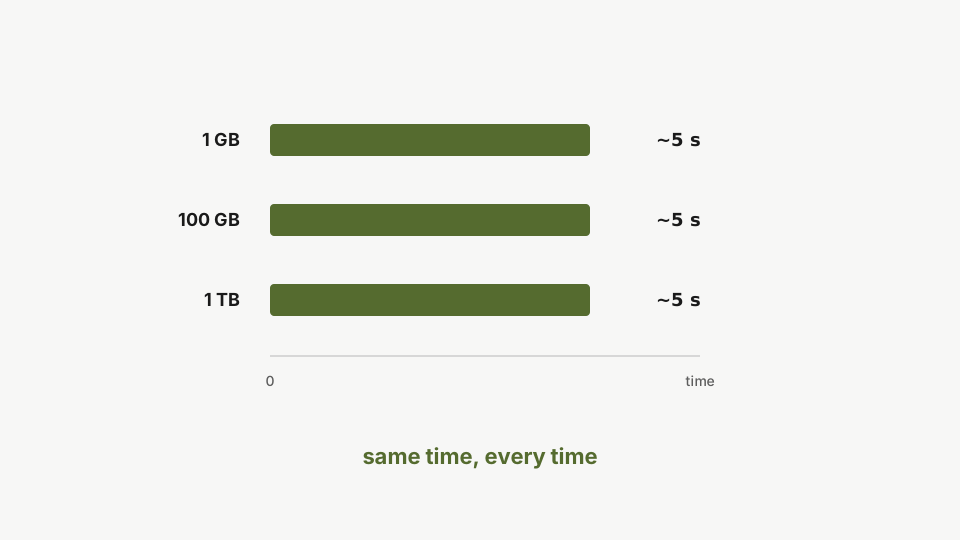
Forking works the same way. 1 GB, 100 GB, 1 TB. Same time, every time.
What’s shared, what’s yours
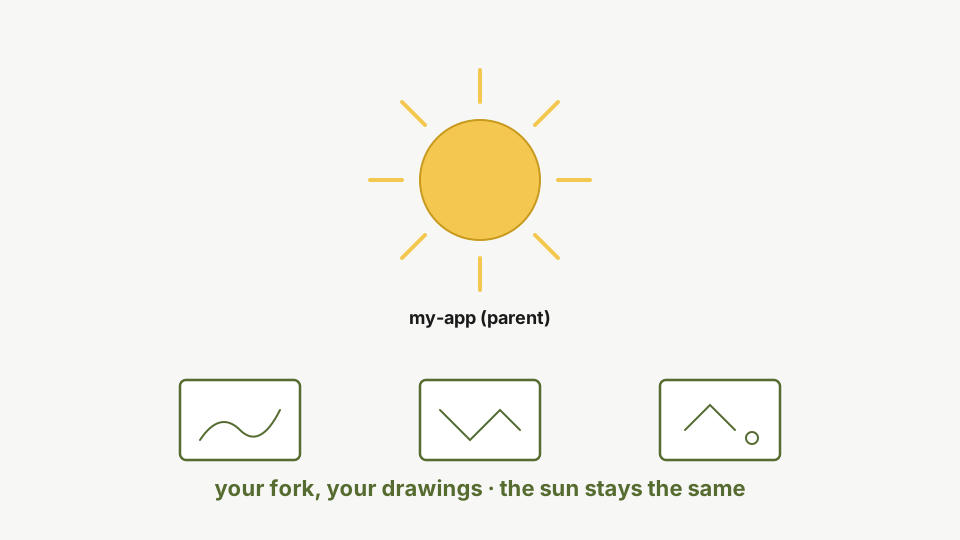
Think of the parent repo as a fixed source. Your fork is a copy-on-write view of it. Write to the fork and the writes stay in the fork. The parent doesn’t move, no matter how many forks point at it.
You can’t hold the sun, but you can hold it in a mirror.
What if the parent changes later?
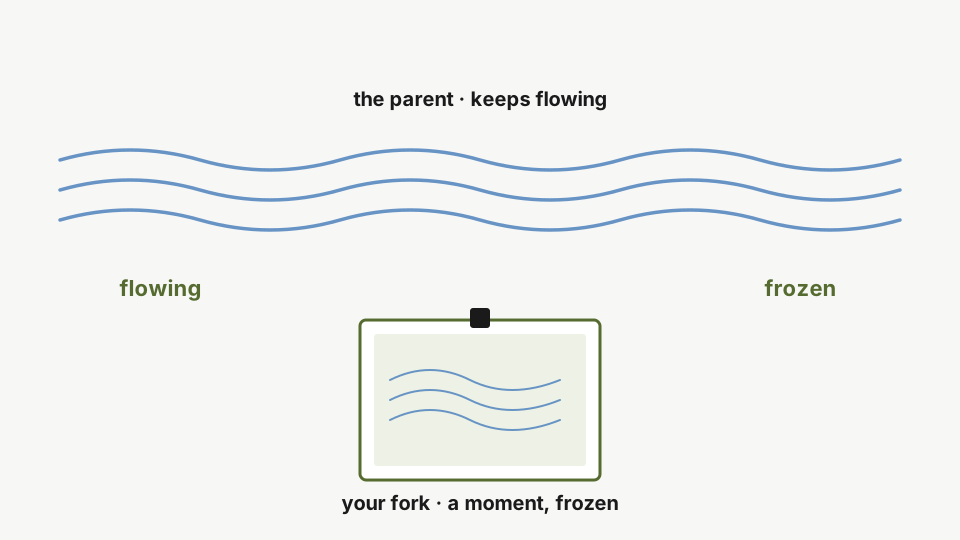
Now think snapshot. When you fork, you freeze the parent at that exact moment. The parent keeps moving. Your fork doesn’t.
If the parent repo changes later, your fork stays where it was.
You can’t hold a river, but you can hold it in a photo.
Disk usage stays flat
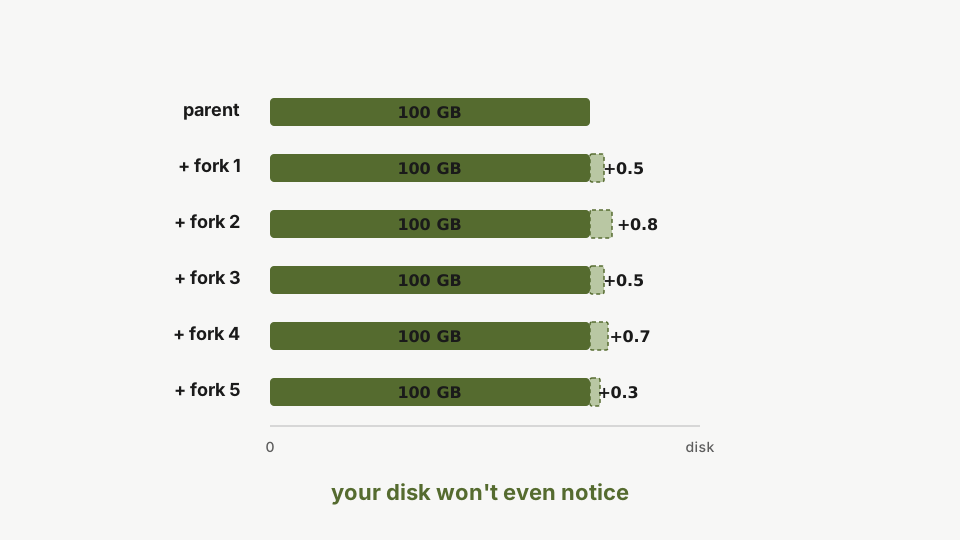
That’s why your disk doesn’t blow up. Five forks of a 100 GB repo? Still about 100 GB total. You only pay disk for what you change in each fork.
Fork five times if you want. Your disk won’t even notice.
What forks do not inherit: secrets
There’s one thing the fork deliberately doesn’t follow: secrets. A fork starts with no API keys, no database passwords, no Stripe tokens. That’s why “clone production, break nothing” actually works. Your sandbox can’t bill real customers because it can’t pretend to be you. We set this up properly in the Managing Secrets tutorial.
Verify the isolation
List both repos side by side:
rdc repo list -m <machine-name>Both repos now coexist on the same machine and disk as two fully independent environments.
You’ll see my-app and my-app:experiment running concurrently. In the original, the marker file is exactly where you left it:
rdc term connect my-app@<machine-name> --command 'ls -la index.html'Verify isolation by inspecting the original repo: the marker file remains in place. Creating a fork does not modify the parent.
Now make a destructive change, but only inside the fork:
rdc term connect my-app:experiment@<machine-name> --command 'rm index.html && echo removed'Delete the marker file inside the fork only. This is a destructive change scoped to the fork.
Jump back to the original and check:
rdc term connect my-app@<machine-name> --command 'ls -la index.html'Switch back to the original repo: the marker file remains intact. The parent and fork share the same image but run on separate Docker daemons and separate filesystems.
The marker file is still here, untouched. The fork’s changes stayed in the fork. Same images, separate Docker daemons, separate filesystems.
Clean up
When you’re done, just delete the fork:
rdc repo delete my-app:experiment --yesDelete the fork when finished. The original repo is unaffected, enabling a safe fork, experiment, and discard workflow.
The original stays exactly as it was. Fork, experiment, break things, delete. No risk.
Next: Fork Isolation in Action.